Product: PowerShell Universal
Version: 5.6.6
Hi, just a fun thing, I stumble upon a javascript in github which givs some very cool mouse effects.
GitHub - tholman/cursor-effects: Old-school cursor effects for your browser built with modern JavaScript
I tried on a simple html page and it works. But failed to implement in a PSU page. nothing happened.
It’s not important for work, but still fun it it works 
anyone have any suggestion?
BR
Not sure myself, but if you have any code on what you have tried so far that might help others provide advice. Did you try using this?: universal-docs/cmdlets/Invoke-UDJavaScript.txt at v5 · ironmansoftware/universal-docs
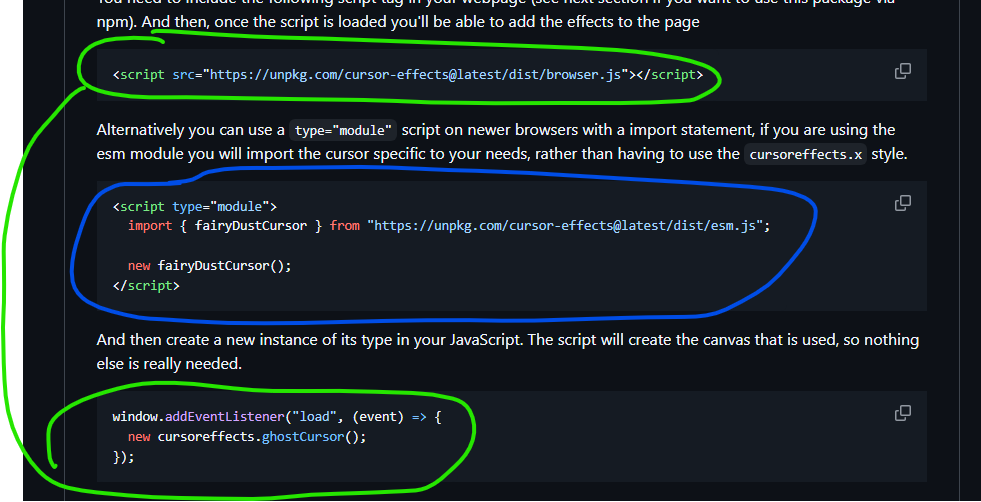
I tested below in a normal html page and both methods worked, the green or blue one
but I haven’t found a way to add part with PSU, så I try to make the green method work in PSU
Question is how to import the script file
<script src="https://unpkg.com/cursor-effects@latest/dist/browser.js"></script>
with Invoke-UDJavaScript